









Microsoft Office 2024 Home & Business | Lifetime Access – Complete Buying, Installation & Activation Guide (2026)

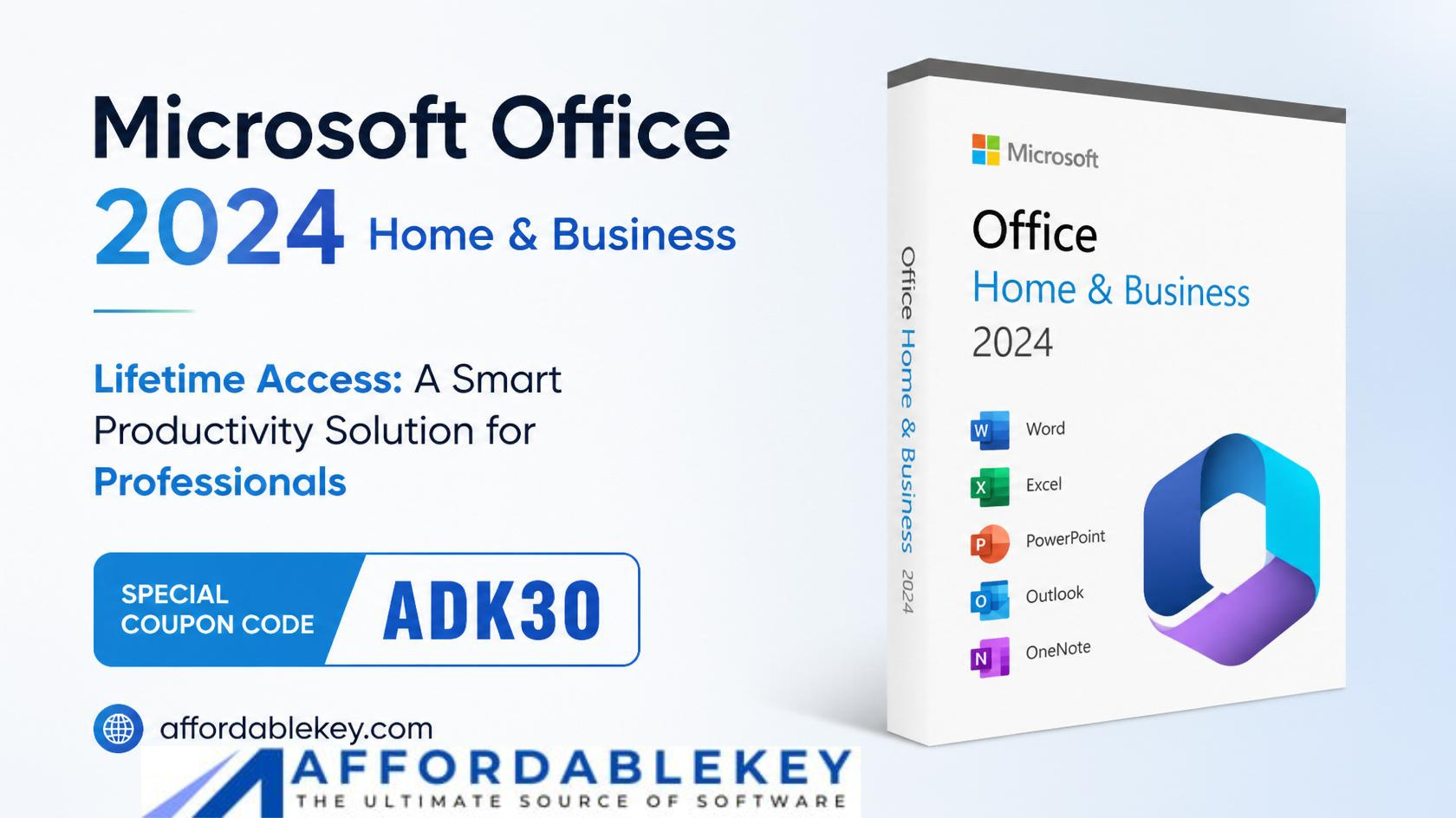
Microsoft Office 2024 Lifetime Access for Home and Business
Microsoft Office 2024 Home & Business is one of the most popular productivity suites for professionals, entrepreneurs, freelancers, and home users who need reliable Office applications without a recurring subscription. Unlike Microsoft 365, this edition offers a one-time purchase with lifetime access for the licensed device, making it an attractive option for users who prefer a single payment instead of monthly or yearly fees.
The suite includes essential Microsoft applications such as Word, Excel, PowerPoint, and Outlook, giving users everything they need to create documents, manage spreadsheets, deliver presentations, and organize email communication. Whether you’re running a small business, working from home, or managing personal projects, Microsoft Office 2024 Home & Business provides the tools required to stay productive.
However, before purchasing, many users have important questions:
- What does Lifetime Access actually mean?
- Is Microsoft Office 2024 a one-time purchase?
- How is it different from Microsoft 365?
- How can it be downloaded, installed, and activated?
- How can it be downloaded, installed, and activated?
- Where can you buy a genuine license safely?
The features, licensing, installation, activation, and best practices for using a legitimate license of Microsoft Office 2024 Home & Business Lifetime Access are all covered in this thorough guide.
What Is Microsoft Office 2024 Home & Business?
The most recent standalone edition of Microsoft Office, Office 2024 Home & Business, is intended for users who choose a permanent license over a subscription. Once purchased and activated, you can continue using the software on the licensed device without paying recurring subscription fees.
Office 2024 Home & Business offers permanent access to the installed apps that come with your purchase, in contrast to Microsoft 365, which requires recurring payments to keep access to premium features and cloud services.
This edition is ideal for users who:
- Own a home office
- Run a small business
- Need professional Office applications
- Prefer a one-time payment
- Don’t require advanced cloud collaboration features
Because it is a genuine Microsoft product, users also receive security updates and reliability improvements that help keep the software stable and secure.
What’s Included in Microsoft Office 2024 Home & Business?
The essential programs that millions of people use on a daily basis are included in Microsoft Office 2024 Home & Business.
Microsoft Word
Create professional documents, reports, resumes, letters, contracts, and business proposals using advanced formatting and editing tools.
Microsoft Excel
Analyze data, create financial reports, build budgets, generate charts, and manage spreadsheets efficiently.
Microsoft PowerPoint
Create captivating presentations using contemporary layouts, charts, animations, transitions, and multimedia support.
Microsoft Outlook
Manage business and personal email accounts, calendars, contacts, and tasks from one centralized application.
Together, these applications provide a complete productivity solution suitable for business owners, remote workers, students, consultants, and professionals.
Why Choose Microsoft Office 2024 Home & Business Lifetime Access?
Because Microsoft Office 2024 Home & Business provides long-term value without recurring membership fees, it is a popular choice.
Some of the biggest advantages include:
One-Time Purchase
Instead of paying every month or every year, you make a single payment for the licensed copy of the software.
Lifetime Access
Once activated on the licensed device, you can continue using the included Office applications without recurring subscription payments.
Trusted Microsoft Software
Using a genuine Microsoft license ensures reliable performance, compatibility, and access to important security updates.
Professional Productivity Tools
Word, Excel, PowerPoint, and Outlook remain industry standards for creating documents, presentations, spreadsheets, and managing communications.
Ideal for Small Businesses
Small business owners often prefer Office 2024 because it delivers professional tools without subscription expenses.
Offline Access
Unlike cloud-only productivity tools, Office 2024 applications can be used without a constant internet connection after installation and activation.
Key Benefits at a Glance
- One-time purchase
- Lifetime access on the licensed device
- Genuine Microsoft software
- No recurring subscription fees
- Professional Office applications
- Offline productivity
- Reliable security updates
- Excellent compatibility with Microsoft file formats
- Suitable for business and home users
- Easy installation and activation
Which One Should You Choose?
Microsoft Office 2024 Home & Business is an excellent choice if you:
- Prefer a one-time purchase
- Don’t want recurring subscription fees
- Primarily work on one computer
- Need the classic Office applications
- Want dependable productivity software for long-term use
Microsoft 365 may be a better fit if you need advanced collaboration features, cloud storage benefits included with your subscription, or continuous access to the newest feature releases.
Who Should Buy Microsoft Office 2024 Home & Business?
This edition is designed for users who need reliable productivity software without the commitment of an ongoing subscription.
It is particularly suitable for:
- Small business owners
- Home office professionals
- Freelancers
- Consultants
- Teachers
- Students who need desktop Office apps
- Remote workers
- Entrepreneurs
- Families managing personal documents and finances
If your daily work involves creating documents, analyzing spreadsheets, preparing presentations, or managing email, Microsoft Office 2024 Home & Business provides a practical and cost-effective solution.
System Requirements for Microsoft Office 2024 Home & Business
Before downloading Microsoft Office 2024 Home & Business, make sure your computer meets the minimum system requirements. Installing Office on a compatible device helps ensure smooth performance and reduces the risk of installation or activation issues.
Windows Requirements
- Operating System: Windows 10 or Windows 11
- Processor: 1.6 GHz or faster, dual-core processor
- RAM: 4 GB (64-bit) or higher
- Storage: At least 4 GB of available disk space
- Display: at least a 1280 x 768 screen resolution
- Internet: Required for downloading, activation, and updates
macOS Requirements
- A supported version of macOS
- Intel or Apple Silicon (M-series) processor
- Minimum 4 GB RAM
- Sufficient free storage space
- Internet connection for setup and activation
Tip: Installing the latest Windows or macOS updates before setup can help prevent compatibility issues.
How to Download Microsoft Office 2024 Home & Business
Downloading Office from a trusted source is essential for security and reliability. Avoid unofficial websites that claim to offer free or pre-activated versions, as they may distribute modified installers or malware.
Step 1: Prepare Your Microsoft Account
Use your Microsoft account to log in, or create one if you don’t already have one. Your Office license is typically associated with this account, making future installations and license management easier.
Step 2: Obtain Your Genuine License
Purchase a genuine Microsoft Office 2024 Home & Business license from a trusted seller. After purchase, you should receive your product key and instructions for accessing the official installer.
Step 3: Download the Official Installer
Use the official Microsoft setup process associated with your license to download the Office installer. This ensures you receive authentic software directly from Microsoft.
Step 4: Verify the Download
Before opening the installer:
- Make sure the download completed successfully.
- Confirm you are using the official installer.
- Avoid downloading Office from unofficial websites or file-sharing platforms.
How to Install Microsoft Office 2024 Home & Business
Once the installer has been downloaded, the installation process is straightforward.
Step 1: Launch the Installer
Locate the downloaded setup file and run it with administrator permissions if prompted.
Step 2: Accept the License Agreement
Read and accept the Microsoft Software License Terms to continue.
Step 3: Begin Installation
The installer will automatically download and install the required Office applications. The installation time depends on your internet speed and computer performance.
Step 4: Complete the Installation
When the installation finishes, open any Office application such as Word or Excel to confirm that the software has been installed successfully.
How to Activate Microsoft Office 2024 Using a Genuine Product Key
Activation confirms that your copy of Office is properly licensed and unlocks the full functionality of the included applications.
Step 1: Open an Office Application
Launch Word, Excel, PowerPoint, or Outlook.
Step 2: Sign In
If prompted, sign in using the Microsoft account associated with your Office license.
Step 3: Enter Your Product Key (If Required)
Depending on how your license was purchased, you may be asked to enter your genuine product key. To finish the activation process, adhere to the on-screen directions.
Step 4: Verify Activation
After activation, open the Account section within an Office application to confirm that your product is activated and properly licensed.
Tip: Store your purchase confirmation and product key in a secure location for future reinstallations or device changes, where applicable.
Common Installation Issues
Although Office installation is generally smooth, some users may encounter problems. These are some typical problems and potential fixes.
Installation Stops Unexpectedly
Possible causes include:
- Slow internet connection
- Insufficient storage space
- Antivirus software temporarily blocking the installer
Possible Solution
- Restart your computer.
- Ensure enough free disk space.
- Retry the installation using the official installer.
Office Won’t Open After Installation
Possible reasons:
- Incomplete installation
- Conflicting Office files from an older version
- Corrupted installation
Possible Solution
- Restart your computer.
- Repair the Office installation using Microsoft’s repair options.
- Remove older Office versions before reinstalling if necessary.
Product Key Isn’t Accepted
This can happen if:
- The key was entered incorrectly.
- The key is for a different Office edition.
- The license has already been redeemed to another Microsoft account.
Possible Solution
Double-check the product key, ensure it matches the purchased edition, and follow the instructions provided with your license. If the issue persists, contact the seller or Microsoft Support for assistance.
Common Activation Issues and Troubleshooting
Activation Requires Internet Access
Activation requires a stable internet connection.
If activation fails:
- Check your internet connection.
- Restart your router if necessary.
- Try again after reconnecting.
Microsoft Account Issues
Using a different Microsoft account than the one associated with your purchase can prevent activation.
Always verify that you’re signed in with the correct account before attempting activation.
Previous Office Version Conflicts
Older Office installations can occasionally interfere with newer versions.
If problems occur:
- Uninstall unsupported or unused Office versions.
- Restart the computer.
- Install Microsoft Office 2024 Home & Business again.
Activation After Hardware Changes
Major hardware changes—such as replacing the motherboard—may affect how Microsoft validates your license.
If you make significant hardware changes, follow Microsoft’s license recovery process if applicable to your license type.
Best Practices for Keeping Your Office License Genuine
Following a few simple practices helps protect your software investment and ensures a smoother experience.
- Buy Microsoft Office only from trusted sellers.
- Use the official Microsoft installer whenever possible.
- Keep your product key or purchase confirmation secure.
- Avoid sharing your license information publicly.
- Install the latest Office security updates.
- Keep Windows or macOS updated.
- Avoid unofficial activation tools or modified installers.
- Sign in with your Microsoft account to simplify license management where applicable.
Quick Safety Checklist
Verify the following prior to installing Microsoft Office 2024 Home & Business:
✔ Your device meets the system requirements.
✔ You have a stable internet connection.
✔ You’re using a genuine license.
✔ You’re downloading from an official Microsoft setup process.
✔ Your Microsoft account is ready for activation.
✔ You have enough free storage space.
✔ Older unsupported Office versions have been removed if necessary.
Frequently Asked Questions (FAQs)
1. What is Microsoft Office 2024 Home & Business Lifetime Access?
A one-time purchase version of Microsoft Office intended for home users, professionals, and small enterprises is called Microsoft Office 2024 Home & Business Lifetime Access. Once activated on the licensed device, you can continue using the included Office applications without paying recurring subscription fees.
2. What applications are included in Microsoft Office 2024 Home & Business?
The suite includes:
- Microsoft Word
- Microsoft Excel
- Microsoft PowerPoint
- Microsoft Outlook
These applications cover everyday productivity needs, including document creation, spreadsheets, presentations, and email management.
3. Is Microsoft Office 2024 Home & Business a subscription?
No. Microsoft Office 2024 Home & Business is a one-time purchase product. Unlike Microsoft 365, it does not require monthly or yearly subscription payments to continue using the licensed software on the licensed device.
4. Can I use Microsoft Office 2024 without an internet connection?
Yes. After installation and activation, you can use most Office applications offline. An internet connection is generally required for downloading, activation, updates, and certain cloud-based features.
5. What distinguishes Microsoft Office 365 from Microsoft Office 2024 Home & Business?
Microsoft Office 2024 Home & Business provides a one-time purchase with the included desktop applications, while Microsoft 365 is a subscription service that includes ongoing feature updates, cloud storage benefits, and collaboration tools.
The best choice depends on whether you prefer a one-time purchase or a subscription with continuously updated features.
6. Is it safe to buy Microsoft Office 2024 from third-party sellers?
It can be safe if you buy from a reputable seller that provides genuine Microsoft licenses and clear customer support. Before purchasing, verify the seller’s reputation, licensing information, and support policies.
7. How do I know if my Office license is activated?
Open any Office application, go to Account, and review the product information. It should indicate that your copy of Microsoft Office is activated if the activation process has been completed successfully.
8. Who ought to select Microsoft Office 2024 Home & Business?
This edition is ideal for:
- Home users
- Freelancers
- Small business owners
- Consultants
- Teachers
- Remote workers
- Anyone who prefers a one-time purchase instead of an ongoing subscription
Final Thoughts
Microsoft Office 2024 Home & Business remains an excellent choice for users who want trusted productivity software without recurring subscription costs. With essential applications such as Word, Excel, PowerPoint, and Outlook, it provides a reliable solution for everyday work, business tasks, and personal projects.
Choosing a genuine license helps ensure access to security updates, stable performance, and a smooth activation experience. It also reduces the risks associated with unofficial software, such as malware, installation problems, or licensing issues.
If you’re comparing Office 2024 with Microsoft 365, the right option depends on how you work. Office 2024 Home & Business is frequently considered a sensible long-term investment by users who want a one-time purchase, however Microsoft 365 may be preferred for individuals who primarily rely on cloud collaboration and constantly updated features.
By understanding the differences, following the official installation process, and using a genuine license, you can enjoy a secure and productive Microsoft Office experience.
Why Choose AffordableKey?
If you’re looking for a genuine Microsoft Office 2024 Home & Business license, AffordableKey offers digital software licenses at competitive prices, along with instant delivery and customer support to assist you during installation and activation.
Before purchasing, always verify that the license matches your device and usage requirements, and follow Microsoft’s official setup process for installation and activation.