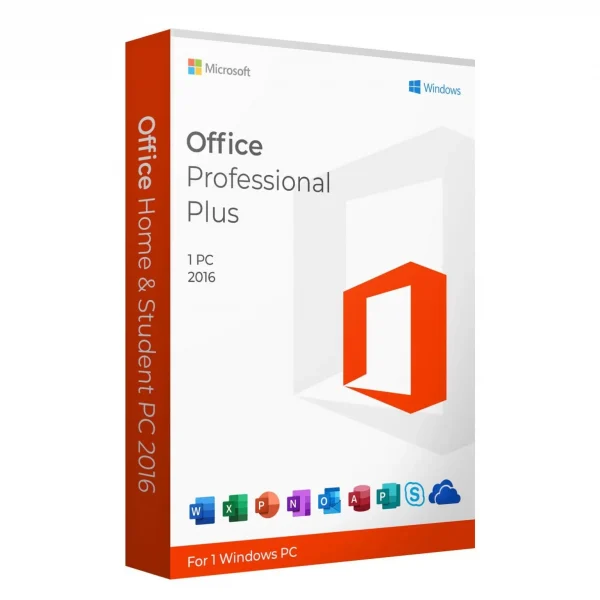
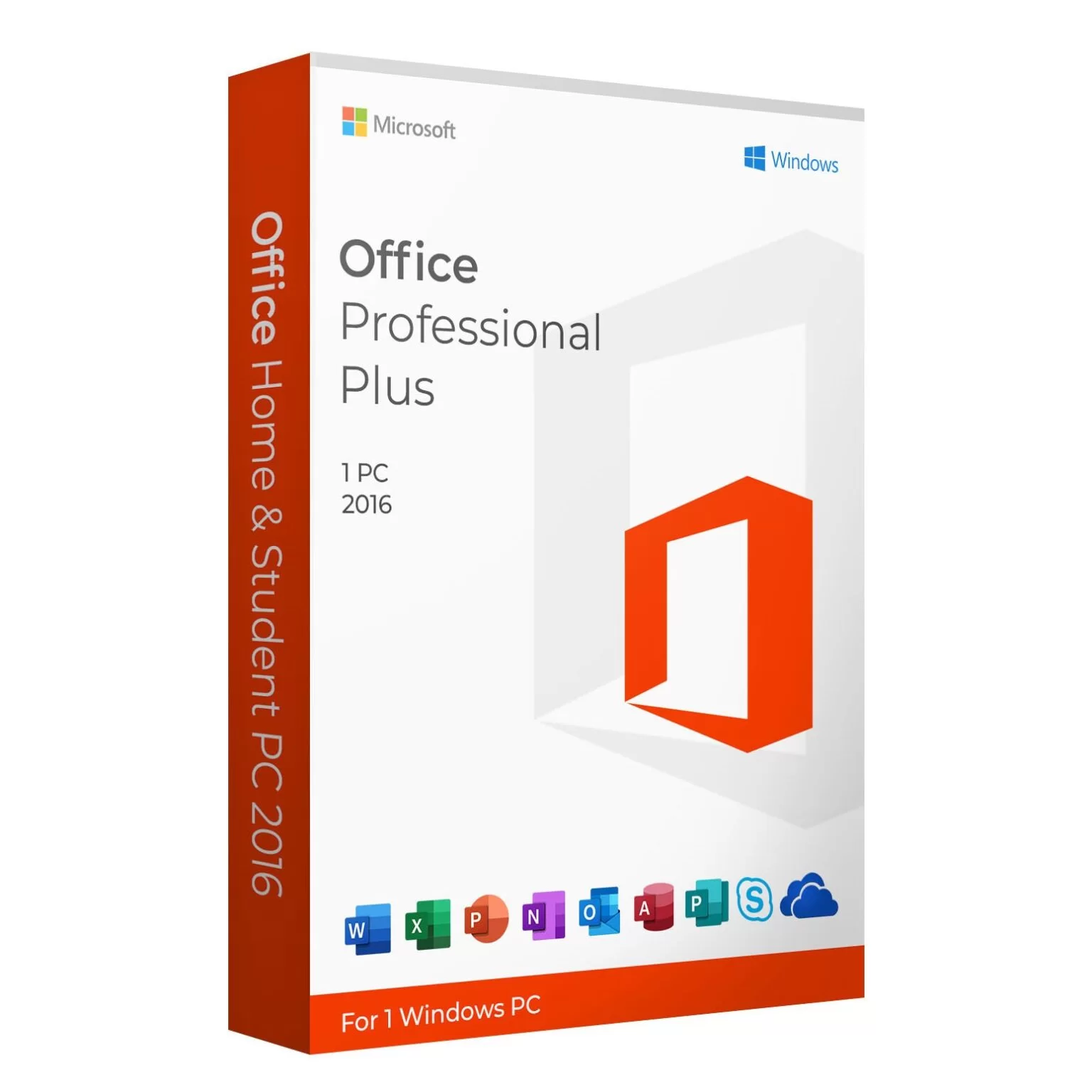



Microsoft Pro Plus 2016 for Windows PC remains a dependable productivity solution for users who prefer a classic Microsoft Office experience without ongoing subscription costs. Even years after its release, this version continues to serve professionals, small businesses, and advanced users who need stable, offline Office applications for everyday work.
Get more offers: click here…
In this article, we explore what Microsoft Office 2016 offers, who it is best for, and why it is still relevant today.
What Is Microsoft Pro Plus 2016?
Microsoft Office 2016 is a professional-grade Office suite designed primarily for business and enterprise users. It is a one-time purchase product, meaning there are no monthly or yearly subscription fees. Once installed and activated on a Windows PC, it can be used long term.
This version focuses on core productivity tools and reliability rather than cloud-based features.
Applications Included in Microsoft Pro Plus 2016
Microsoft Office 2016 comes with a complete set of Office applications that cover almost every professional need:
- Microsoft Word – Create documents, reports, contracts, and official letters
- Microsoft Excel – Advanced spreadsheets, formulas, charts, and data analysis
- Microsoft PowerPoint – Professional presentations for meetings and training
- Microsoft Outlook – Business email, calendar, and contact management
- Microsoft Access – Database creation and management (Windows only)
- Microsoft Publisher – Marketing materials, brochures, and flyers
- Microsoft OneNote – Note-taking and organization
Download free apps: click here…
Key Benefits
1. One-Time Purchase Model: Microsoft Pro Plus 2016 does not require a subscription. You pay once and use it without worrying about renewals.
2. Built for Business and Professional Use: This edition is licensed for commercial use, making it suitable for offices, freelancers, and organizations.
3. Stable and Proven Performance: Office 2016 is known for its stability. It avoids frequent interface changes and provides a consistent working environment.
4. Offline Productivity: After installation, most features work fully offline, which is ideal for secure or low-connectivity environments.
5. Full Compatibility: Microsoft Pro Plus 2016 supports widely used Office file formats, ensuring smooth compatibility with documents created in newer versions.
Microsoft Office 2016 vs Newer Office Versions
While newer versions like Office 2019, Office 2021, and Microsoft 365 exist, Pro Plus 2016 still appeals to users who value simplicity.
Choose Microsoft Pro Plus 2016 if you:
- Want a budget-friendly Office solution
- Prefer a classic Office interface
- Do not need cloud collaboration
- Use Office mainly offline
Choose newer versions if you:
- Need modern UI enhancements
- Require cloud-based teamwork
- Want long-term feature updates
For many users, the core tools in Office 2016 remain more than sufficient.
Who Should Use Microsoft Pro Plus 2016?
Microsoft Office 2016 for Windows PC is ideal for:
- Small businesses and offices
- Freelancers and consultants
- Administrative and accounting professionals
- Users who need Access and Publisher
- Anyone who prefers non-subscription software
If your work depends on documents, spreadsheets, emails, and presentations rather than cloud services, this version is still practical.
System Requirements for Windows PC
To run Microsoft Office, your system typically needs:
- Windows 7, 8, 8.1, or Windows 10
- Minimum 2 GB RAM
- Adequate disk space
- Internet connection for initial activation
Once installed, it runs smoothly on compatible Windows systems.
Is Microsoft Pro Plus 2016 Still Worth Buying?
Yes, for many users it is. The fundamental Office tools have not changed dramatically over the years. Word, Excel, Outlook, and PowerPoint in Office 2016 still handle everyday tasks efficiently.
For users who want a full Office suite at a lower cost without subscriptions, Microsoft Office 2016 remains a reasonable and practical option.
Security and Updates
While Office 2016 does not receive new feature updates, Microsoft has historically provided security updates to keep the software safe for use. This ensures dependable performance for routine business and personal tasks.
Conclusion
Microsoft Office 2016 for Windows PC is a solid productivity suite for users who want professional Office applications without recurring fees. With a complete set of tools, offline usability, and stable performance, it continues to be a useful solution for many individuals and businesses.