











Office 2024 vs Microsoft 365: 5 Things to Check Before You Buy

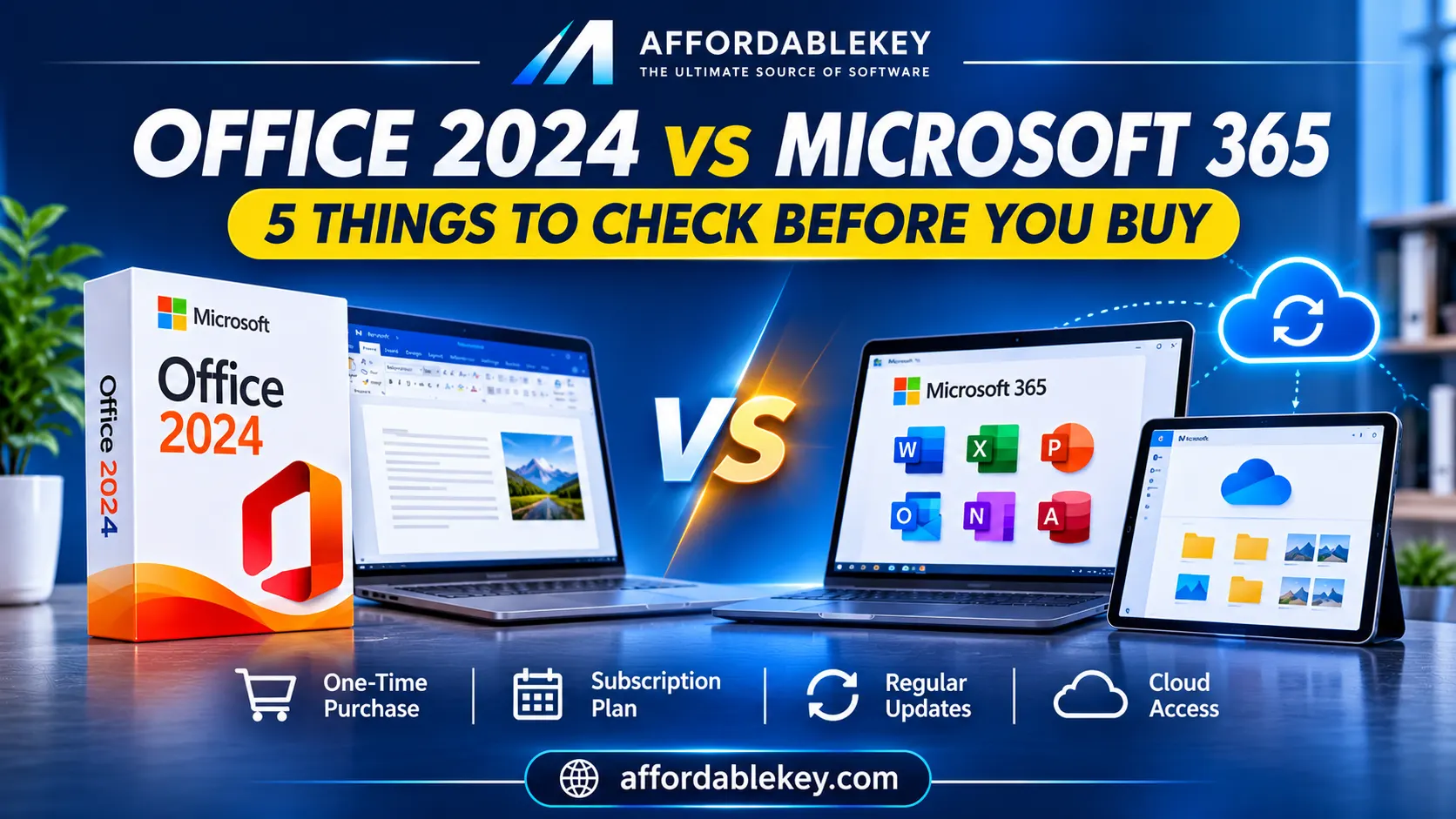
Office 2024 vs Microsoft 365: 5 Things to Check Before You Buy
Choosing between Office 2024 vs Microsoft 365 isn’t just about price. Your preferred payment model, required applications, update needs, and licensing terms all matter.
Both options provide access to familiar Microsoft productivity tools, but they are designed around different purchasing models. Office 2024 is a one-time purchase, while Microsoft 365 is a subscription service with ongoing updates and additional connected services.
Before buying, here are five important things to compare.
1. Understand the Payment Model: One-Time Purchase vs Subscription
One of the biggest differences between Office 2024 and Microsoft 365 is how you pay.
Office 2024 is offered as a one-time purchase. You pay upfront for a specific edition that is licensed for one PC or Mac. It does not require an annual subscription renewal, but a future major Office release is not included.
Microsoft 365 works through a monthly or annual subscription, depending on the plan. Your subscription provides access to the included apps and services while it remains active.
Before choosing, consider your budget and how you prefer to manage software expenses.
- Would you rather pay for a certain Office edition just once? Review Office 2024.
- Prefer a subscription with ongoing feature updates and connected services? Compare Microsoft 365 plans.
Remember that the lowest initial price does not always represent the lowest long-term cost. Consider how long you expect to use the software and whether you need the additional subscription benefits.
When comparing Office 2024 vs Microsoft 365, consider both the initial cost and the long-term payment commitment.
2. Compare Updates and New Features
Another important difference is how the applications receive updates.
Office 2024 receives security updates and fixes during its supported lifecycle. However, it does not receive the ongoing feature upgrades included with Microsoft 365 subscriptions. You usually have to buy that version individually if you want a later major Office release.
Microsoft 365 subscribers receive ongoing feature updates, security updates, and bug fixes while their subscription is active and the plan supports them.
This distinction matters if you want access to newly introduced productivity features as they become available.
If you prefer a more fixed set of desktop applications, Office 2024 may meet your requirements. If you want continuously updated apps, Microsoft 365 may be worth considering.
This update difference is another important factor when choosing Office 2024 vs Microsoft 365.
3. Check the Included Applications and Services
Do not assume every Office product includes the same applications.
The apps available depend on the exact edition or subscription plan.
Office 2024 editions can include classic desktop applications such as Word, Excel, PowerPoint, OneNote, and, in certain editions, Outlook. Microsoft 365 plans can include desktop and web applications, cloud storage, and other services depending on the subscription.
For example:
- Office Home 2024: Includes classic Word, Excel, PowerPoint, and OneNote for one PC or Mac.
- Office Home & Business 2024: Includes the Home apps plus Outlook for one PC or Mac.
- Microsoft 365 Personal: Includes the latest apps and cloud-connected benefits for one person.
- Microsoft 365 Family: Provides subscription benefits that can be shared with additional household members, subject to plan limits.
Some Microsoft 365 plans are designed for businesses and include services such as business email, administration, collaboration, and organisational security features. Other plans may provide only web-based applications.
Before making a purchase, always check the precise product description.
4. Consider Your Devices and How You Work
Think about where and how you use Office.
Office 2024 one-time purchase editions are generally licensed for installation on one PC or Mac. This may be suitable if you mainly work on one computer and do not need to use the desktop applications across several devices.
Microsoft 365 Personal and Family plans offer broader device flexibility. Depending on the plan, you can install the apps across multiple devices and use them on supported PCs, Macs, tablets, and phones, subject to the plan’s simultaneous sign-in limits.
Also consider how you store your documents.
Office 2024 does not include the subscription cloud-storage benefits of Microsoft 365. Microsoft 365 plans may include OneDrive storage, with the amount depending on the subscription.
You can still save documents locally with either option. Cloud storage is useful if you want to access and sync files across devices.
5. Review the License Terms Before Buying
Before purchasing any Office product, take time to understand its license conditions.
Check these details:
- Edition: Confirm whether the product is Office Home, Home & Business, or another edition.
- Device compatibility: Make sure it supports your operating system and device.
- License type: Understand whether it is a one-time purchase or subscription.
- Activation requirements: Review how the product is activated and which account is required.
- Usage rights: Check whether the license is intended for personal, home, or business use.
- Renewal terms: For subscriptions, understand the billing period and renewal conditions.
- Included features: Confirm the applications and services included in the exact product.
A clear understanding of these details can help prevent confusion after purchase.
Here is a quick comparison of Office 2024 vs Microsoft 365 based on their main features and licensing models.
Office 2024 vs Microsoft 365: Quick Comparison
| Feature | Office 2024 | Microsoft 365 |
|---|---|---|
| Payment model | One-time purchase | Monthly or annual subscription |
| Feature updates | No ongoing feature upgrades | Ongoing feature updates |
| Security updates | During supported lifecycle | While subscription and plan are supported |
| Device use | Generally one PC or Mac | Multiple devices, depending on plan |
| Cloud storage | Not included as a subscription benefit | Included in selected plans |
| Future major versions | Purchased separately | Latest versions included while subscribed |
| Best suited to | Users who prefer a fixed edition and upfront payment | Users who want ongoing updates and connected services |
Features and licensing conditions vary by edition and subscription plan. Check the exact product details before buying.
Which Option May Fit Your Needs?
Choosing between Office 2024 vs Microsoft 365 depends on your budget, device usage, and required features.
There is no single choice that suits everyone. Your decision depends on your work habits, budget, and required features.
Office 2024 may fit your needs if:
- You prefer a one-time purchase instead of recurring subscription payments.
- You mainly use Office on one computer.
- You need a specific set of desktop applications.
- You do not require ongoing feature upgrades or subscription cloud-storage benefits.
Microsoft 365 may fit your needs if:
- You would rather have access to the newest features of the app.
- You use Office across multiple supported devices.
- You need cloud storage and connected services.
- You want a subscription that may be shared with household members, depending on the plan.
- You need additional business services available in selected plans.
Compare the actual editions and plans rather than choosing based on the product name alone.
Frequently Asked Questions
Is Office 2024 a one-time purchase?
Indeed, Office 2024 is offered as a one-time purchase. It does not require a recurring subscription renewal, but future major Office releases are not automatically included.
Does Microsoft 365 include more features than Office 2024?
Microsoft 365 subscriptions generally include ongoing feature updates and additional connected services. The plan determines the specific advantages.
Office 2024 provides a fixed set of classic applications and receives security updates during its supported lifecycle.
Can I use Office 2024 without an internet connection?
After installation and activation, Office 2024 applications can be used offline. However, internet access is needed for initial installation and activation, updates, and periodic reactivation when required.
Can I install Microsoft 365 on multiple devices?
Selected personal and family subscriptions allow installation across multiple supported devices. The number of devices and simultaneous sign-ins depends on the subscription plan.
Does Office 2024 include OneDrive storage?
Office 2024 one-time purchase editions do not include the subscription cloud-storage benefits of Microsoft 365. You can still save documents locally or use a separate cloud-storage service.
Should I choose Office 2024 or Microsoft 365?
Consider how you pay for software, how many devices you use, which applications you need, and whether ongoing feature updates and cloud services matter to you. Before making a choice, compare the precise terms of the product.
Explore Microsoft Office Products at AffordableKey
Looking for a Microsoft Office product that matches your requirements?
AffordableKey offers a range of Microsoft Office products to explore. Review each product’s edition, included applications, license information, and activation details before purchasing.
Explore Microsoft Office products:
https://affordablekey.com/category/microsoft-office/
Take time to compare the available options and choose according to your actual requirements.
Final Thoughts
The choice between Office 2024 and Microsoft 365 comes down to how you prefer to pay for software and which features you actually use.
Office 2024 offers a one-time purchase for a specific desktop edition, while Microsoft 365 provides a subscription with ongoing feature updates and additional services depending on the plan.
Compare the payment model, applications, device support, updates, and license terms before buying. A little research can help you make a more informed decision.
Choose based on your needs—not just the product name or initial price.
Compare Office 2024 vs Microsoft 365 carefully before selecting a license that matches your needs.