How Microsoft 365 Copilot Transforming Workflows in 2026

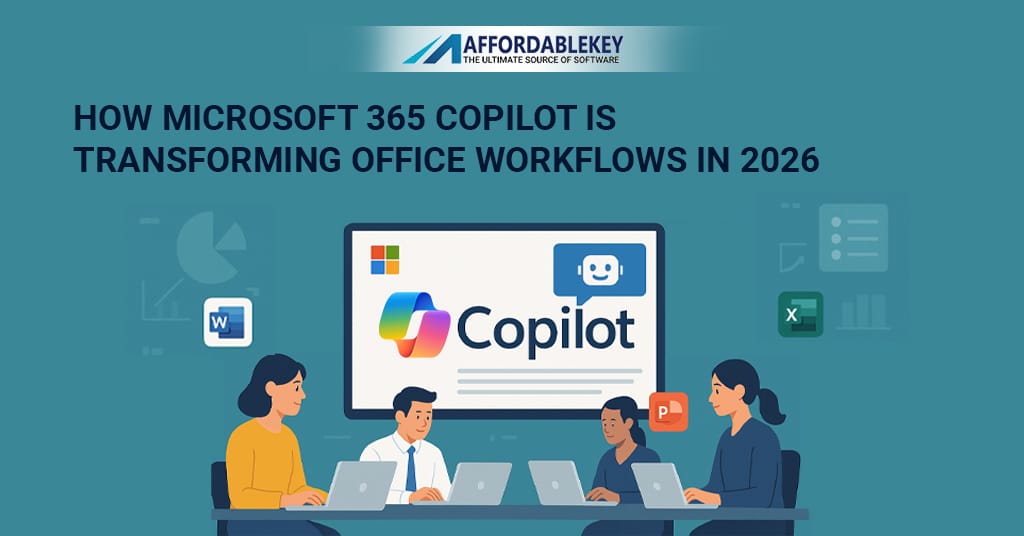
In 2026, Microsoft 365 Copilot is transforming the way people work. Combining the power of artificial intelligence (AI) with familiar Microsoft tools, this cutting-edge software is making work easier, faster, and more efficient. From helping users write, edit, and plan to streamlining complex tasks, Copilot is proving to be an invaluable tool in the modern workplace. Whether you’re part of a small team or working in a large corporation, Copilot enhances workflows, boosts productivity, and saves time. This AI-powered assistant learns your style, adapts to your needs, and continuously improves over time. So, how does Microsoft 365 Copilot change the way we work? Let’s dive in.
Get more offers: click here…
What Makes Microsoft 365 Copilot Different?
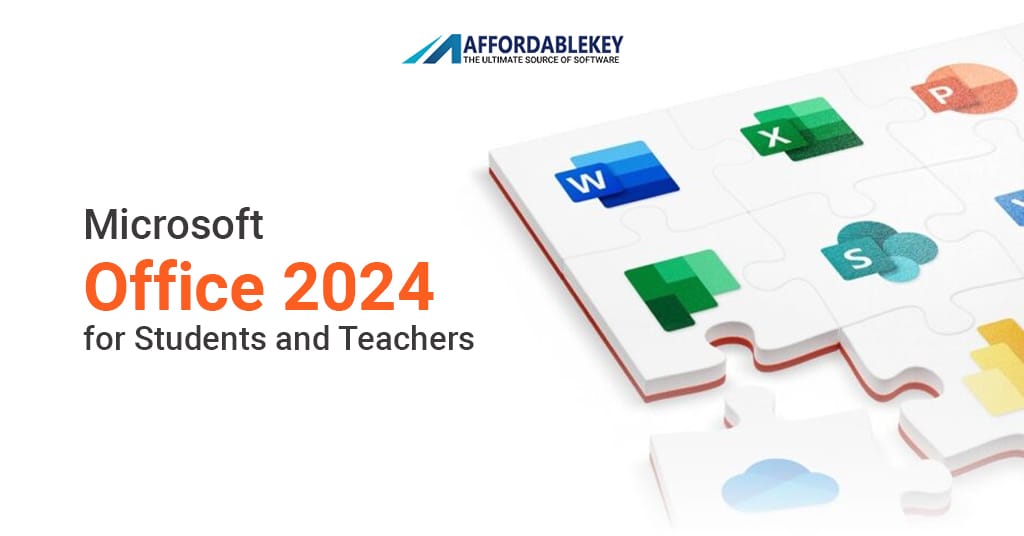
Unlike other AI tools, Microsoft 365 Copilot seamlessly integrates into Microsoft’s suite of applications, including Word, Excel, Outlook, PowerPoint, and Teams. You don’t need to purchase new software or learn to navigate a new interface. All you have to do is open the apps you’re already familiar with, and Copilot is ready to assist.
Copilot works by listening to your commands and acting on them quickly. For example, if you need help drafting an email or summarizing a report, you can simply ask Copilot to do it, and it will handle the rest. This functionality cuts down on the steps needed to complete tasks. No more switching tabs, digging through menus, or clicking through multiple options. With Copilot, everything happens in one spot, making it easy and efficient to complete work.
Download more apss: click here…
Microsoft Word and Copilot in 2026
In 2026, Microsoft Word and Copilot together are a powerhouse for anyone who needs to write or edit documents. Copilot is designed to support you throughout the writing process. You can ask it to write entire drafts, fix grammar, rephrase sentences, or even create outlines.
Need help shortening a paragraph or improving tone? Simply tell Copilot what you need, and it will adjust the content to meet your preferences. It’s also useful for generating content quickly. For instance, if you’re stuck on an idea or facing writer’s block, Copilot can suggest a starting point or continue an idea you’ve already begun.
How Microsoft Excel Benefits from Copilot
Microsoft 365 Copilot is a game-changer in Excel as well. Whether you’re a beginner or an expert, Copilot helps you analyze data with ease. If you’re looking for trends or insights in your data, you don’t need to spend hours figuring out complicated formulas. Just ask Copilot, and it will analyze your data, identify patterns, and provide insights.
Want a visual representation of your data? Copilot can instantly generate charts and graphs with your specifications. It can also clean up messy data, identifying and correcting errors automatically, which can save hours of manual work.
Copilot and Microsoft Teams in 2026
Microsoft Teams is an essential tool for modern communication and collaboration, and Copilot only enhances its capabilities. Meetings are now smoother, thanks to automatic note-taking and real-time summaries. Copilot tracks important points discussed, automatically records action items, and sends follow-up reminders to team members. You can also ask Copilot to help organize tasks discussed during a meeting, ensuring that no important information is lost.
Another great feature of Copilot in Teams is its ability to assist with chat. If you need to send a quick message or rewrite a long text, Copilot can provide suggestions for more concise and professional replies. Copilot also integrates seamlessly with your calendar, suggesting meeting times based on your schedule and that of others. It makes scheduling less time-consuming and eliminates the back-and-forth that typically happens when trying to find a convenient time.
Boosting Outlook with Microsoft 365 Copilot
Email management is often a time-consuming task. With Copilot in Outlook, composing emails is faster and easier. Copilot can suggest replies, assist with tone adjustments, and even automate follow-up emails. It can help you avoid the mental load of crafting perfect responses to every message.
Copilot also helps with email organization. It automatically flags important messages and filters out junk mail, saving you time. You can rely on Copilot to set the appropriate tone for your emails, whether you need to sound polite, firm, or casual. Simply ask it to adjust the tone, and it will tailor your words accordingly.
Copilot for PowerPoint in 2026
Creating presentations in PowerPoint can be time-consuming, especially when you need to focus on design and content. Copilot makes this process faster and easier. You can provide a few key points, and Copilot will automatically generate slides for you. It takes care of the formatting, suggesting color schemes, layouts, and fonts that suit your content.
Need to include a graph or image? Copilot finds relevant visuals and incorporates them into the slides. You can also ask Copilot to rewrite slide notes or adjust the structure of your presentation. With Copilot handling the repetitive tasks, you can focus on the message and delivery, not the design.
Microsoft 365 Copilot and Office Security
In the modern workplace, security is a top priority. Microsoft 365 Copilot ensures that your data remains secure. It operates within your organization’s secure framework, respecting privacy and following company protocols. You can trust Copilot to assist with tasks without compromising sensitive information.
Copilot logs actions, which adds transparency and allows IT teams to review activities. This transparency helps businesses maintain control and manage the security of their operations. The security features built into Copilot ensure that your team can work with peace of mind, knowing that their data is protected.
Custom Workflows with Microsoft 365 Copilot
One of the most powerful features of Microsoft 365 Copilot is its ability to adapt to the way you work. It learns your habits, preferences, and workflows, allowing it to provide customized suggestions and assistance. Whether you’re in sales, HR, marketing, or project management, Copilot can optimize your day-to-day tasks by tailoring its functionality to your specific needs.
By integrating with tools like SharePoint or Planner, Copilot can pull information and update tasks with ease. It adapts to your work style, making it a highly personalised tool that grows with your business.
Conclusion
Microsoft 365 Copilot is transforming the workplace in 2026 by making work faster, smarter, and more efficient. Whether you’re writing emails, creating reports, analyzing data, or collaborating with a team, Copilot is there to help at every step. It not only saves time but also enhances the overall quality of work, allowing teams to focus on the tasks that truly matter.
As Copilot continues to evolve and learn, it will become an even more powerful tool, helping workers across all industries achieve their goals with less effort. Microsoft 365 Copilot is the future of work, and it’s here to stay.