How to Download MS Office 2021 Pro Plus Safely

If you are searching for a safe and reliable way to install Microsoft Office 2021 Pro Plus, you are not alone. Many users want the full professional version of Microsoft Office but feel confused because of fake websites, risky downloads, and misleading offers. The truth is, downloading Office 2021 Pro Plus legally is not complicated when you follow the correct steps. What matters most is choosing a trusted source and avoiding unofficial files that may harm your computer. This guide will walk you through everything in a clear and simple way so you can install Office safely and confidently.
What Is Microsoft Office 2021 Pro Plus?
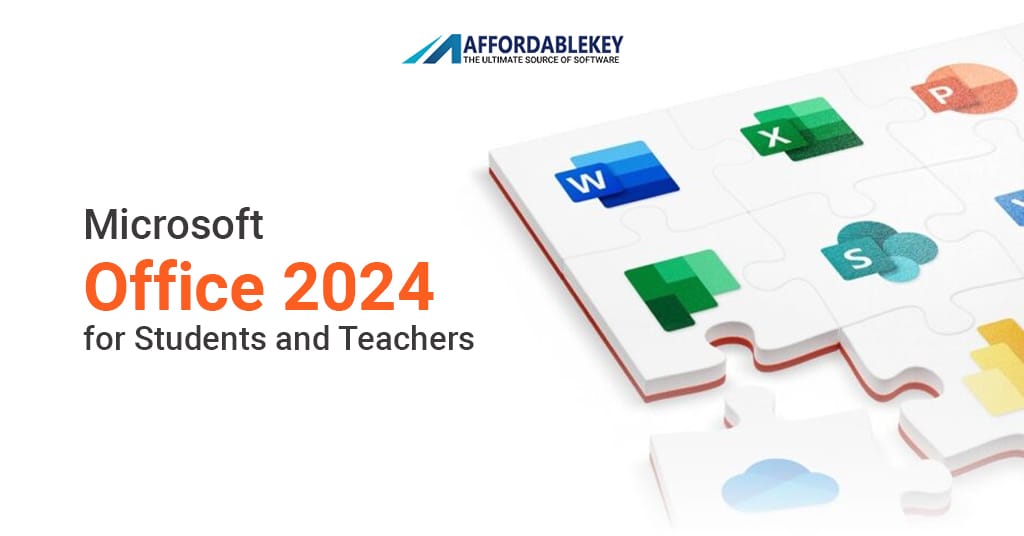
Microsoft Office 2021 Pro Plus is the most complete standalone version of Microsoft’s productivity suite. It is a one-time purchase, meaning you pay once and use it permanently on your device without any monthly subscription. This version includes powerful applications such as Microsoft Word, Microsoft Excel, Microsoft PowerPoint, Microsoft Outlook, Microsoft Access, Microsoft Publisher, and Microsoft Teams. Because of these advanced tools, it is ideal for professionals, students, freelancers, and business users who need complete productivity features in one package.
Key Features of Download MS Office 2021 Pro Plus Safely
Office 2021 Pro Plus offers improved speed, stability, and compatibility with modern systems like Windows 11 Pro and Windows 10. Word includes enhanced grammar and formatting tools, Excel supports advanced formulas like XLOOKUP and dynamic arrays, and PowerPoint provides better animation and presentation controls. Outlook delivers smarter inbox organization and improved search functionality. The software works offline after activation, which is perfect for users who prefer not to rely on constant internet access. Since it’s a standalone version, you won’t experience subscription interruptions or unexpected feature changes.
System Requirements
Before installing Office 2021 Pro Plus, make sure your PC meets the minimum requirements. You need Windows 10 or Windows 11, at least a 1.6 GHz dual-core processor, 4 GB of RAM for 64-bit systems, and about 4 GB of free storage space. A stable internet connection is required for downloading and activating the software. Keeping your Windows system updated helps prevent installation errors and ensures smoother performance.
Why Legal Download Matters
Downloading Office from unofficial websites can be dangerous. Many cracked or modified versions contain malware, spyware, or hidden tracking tools that can steal your personal data. Some fake installers may not even include the full software, leading to crashes and missing features. Additionally, pirated versions do not receive official updates or security patches. Choosing a legal source ensures your system remains protected, your files stay safe, and your Office suite receives regular updates directly from Microsoft.
Where to Download Safely
Download MS Office 2021 Pro Plus Safely way is through Microsoft’s official setup website. After purchasing a genuine product key, you can sign in with your Microsoft account and download the installer directly. Another secure option is purchasing from authorized resellers that offer verified Microsoft licenses. Trusted platforms such as AffordableKey provide genuine product keys at competitive prices. Always confirm that the website uses HTTPS encryption and has positive customer reviews before making a purchase.
Installation and Activation
Once you have your genuine product key, visit Microsoft’s setup portal, sign in with your Microsoft account, and enter your 25-character key. After verification, download the installer file and run the setup. The installation process usually takes 10 to 20 minutes. After installation, open any Office application and sign in again to complete activation. If prompted, re-enter your product key. Once activated, the software will remain permanently licensed on your device.
Post-Installation & Download MS Office 2021 Pro Plus Safely
After successfully installing Office, enable automatic updates within the application settings to receive security patches and performance improvements. Keep your antivirus software active and never share your product key publicly. Backing up important files using cloud storage or an external drive adds extra protection. These simple steps help maintain system security and long-term reliability.
Conclusion
Installing Download MS Office 2021 Pro Plus Safely the right way ensures smooth performance, full features, and long-term security. Avoid unofficial downloads and always choose trusted sources for your software. Whether you purchase directly from Microsoft or from a reliable reseller, using a genuine license guarantees updates, stability, and peace of mind. By following these steps carefully, you can enjoy a safe, legal, and powerful Office experience without unnecessary risks.