













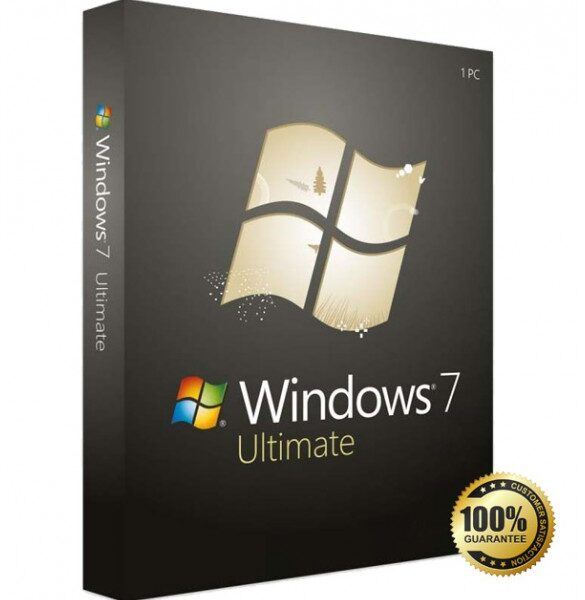



Windows 7 Ultimate is one of the most advanced and versatile operating systems released by Microsoft. Designed to meet the needs of both home users and professionals, Windows 7 combines performance, security, and flexibility in a single powerful package. Even today, many users prefer Windows 7 Ultimate for its stability, user-friendly interface, and low hardware requirements compared to newer Windows versions.
Get more offers: click here…
 Complete Operating System for Advanced Users
Windows 7 includes all the features available in other Windows 7 editions, such as Home Premium and Professional, plus additional tools for enhanced security, networking, and system control. This makes it an ideal choice for power users, developers, businesses, and anyone who needs full control over their operating system.
The interface of Windows 7 Ultimate is clean, fast, and intuitive. The improved taskbar, Aero visual effects, and smart window management features like Aero Snap and Aero Peek help users work more efficiently without unnecessary distractions.
Download free apps: click here…
Strong Performance and Stability Windows 7 Ultimate
One of the biggest advantages of Windows 7 is its excellent performance on older and mid-range hardware. It is optimized to run smoothly with limited system resources, making it perfect for users who want speed without upgrading their PC.
Boot times are fast, applications open quickly, and background processes are well-managed. Compared to newer Windows versions, Windows 7 consumes less RAM and CPU power while still delivering reliable performance for everyday tasks such as browsing, office work, media playback, and light gaming.
Advanced Security Features
Security is a major strength of Windows 7 Ultimate. It comes with BitLocker and BitLocker To Go, which provide full disk encryption to protect sensitive data from unauthorized access. These features are especially useful for laptops, USB drives, and external storage devices.
Windows Firewall, User Account Control (UAC), and regular security updates help protect the system from malware and online threats. With proper configuration and trusted software, Windows 7 remains a secure operating system for personal and professional use.
Multilingual Support and Flexibility
Windows 7 Ultimate supports multiple language packs, allowing users to switch system languages easily. This feature is particularly useful for international users or businesses operating in multiple regions.
The operating system also offers advanced networking capabilities, including domain joining, remote desktop hosting, and backup and restore options. These tools make Windows 7 suitable for office environments and remote work setups.
Software Compatibility
Another key reason users still choose Windows 7 is its wide software compatibility. Many classic and professional applications run smoothly on Windows 7 without compatibility issues. It supports older programs, drivers, and hardware that may not work properly on newer Windows versions.
From productivity tools and design software to development environments and legacy business applications, Windows 7 provides a reliable platform for a wide range of use cases.
System Requirements
Windows 7 is lightweight compared to modern operating systems. Basic system requirements include:
- Processor: 1 GHz or faster
- RAM: 1 GB (32-bit) or 2 GB (64-bit)
- Storage: 16 GB (32-bit) or 20 GB (64-bit)
- Graphics: DirectX 9 compatible
These modest requirements make it ideal for older PCs and laptops.
Why Choose Windows 7 Ultimate?
- Complete feature set in one edition
- Stable and fast performance
- Advanced security with BitLocker
- Low hardware requirements
- Excellent software and driver compatibility
- Clean and user-friendly interface
Conclusion
Windows 7 remains a powerful and dependable operating system for users who value performance, control, and simplicity. With its full feature set, strong security options, and efficient resource usage, it continues to be a preferred choice for many individuals and businesses worldwide.



