












Microsoft Office on Android and iOS Now Supports

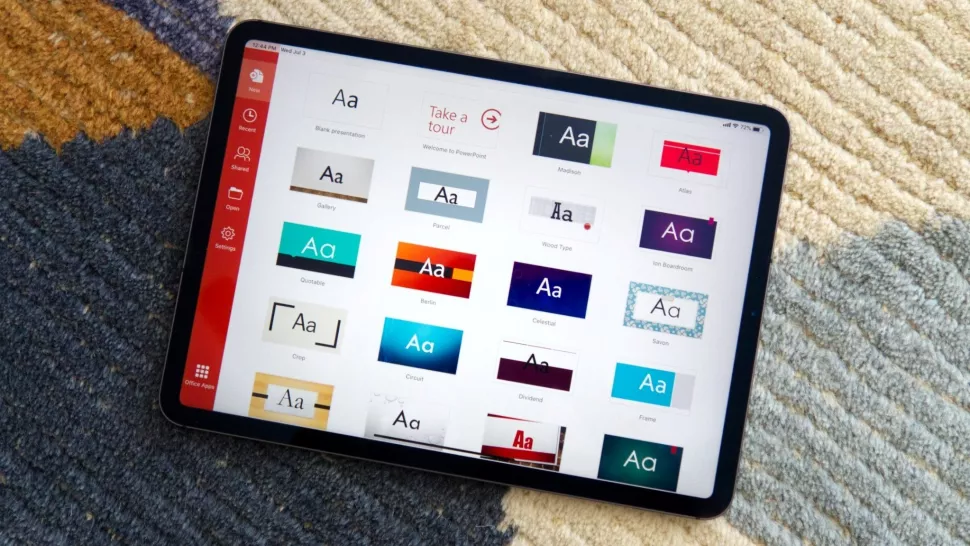
In today’s fast-paced work environment, collaboration is essential. Recognizing this, Microsoft Office on Android and iOS has introduced co-authoring for sensitive files, allowing multiple users to work on documents, spreadsheets, and presentations simultaneously while maintaining security. This update is a game-changer for teams who rely on mobile devices to stay productive on the go.
What is Microsoft Office on Android?
Co-authoring is a feature that enables multiple users to edit the same file at the same time. Changes are updated in real-time, ensuring that everyone has access to the latest version of a document. Previously, co-authoring was mostly available for non-sensitive files, but with this update, Microsoft has extended support to secure and sensitive files, making it ideal for businesses, educational institutions, and remote teams.
Key Features of Mobile Co-Authoring
-
Real-Time Collaboration: Team members can work together on Word documents, Excel spreadsheets, and PowerPoint presentations without delays.
-
Enhanced Security: Sensitive files remain protected through Microsoft’s advanced security protocols, ensuring that confidential information stays safe.
-
Cross-Platform Support: Users on Android and iOS devices can collaborate seamlessly, regardless of the device type.
-
Version Control: Microsoft Office automatically tracks changes, making it easy to review edits and revert to previous versions if needed.
Benefits for Teams and Professionals
With this new feature, teams can now:
- Work Anywhere: Collaborate from mobile devices while traveling or working remotely.
- Save Time: Eliminate the need for sending multiple versions of a document via email.
- Improve Productivity: Real-time updates allow for faster decision-making and smoother workflows.
- Ensure Confidentiality: Sensitive data remains secure while still enabling collaboration.
How to Use Co-Authoring on Android and iOS
Using this feature is simple:
- Open the Office app (Word, Excel, or PowerPoint) on your mobile device.
- Select a file stored in OneDrive, SharePoint, or Teams.
- Tap Share and invite your collaborators.
- All invited users can now edit the file simultaneously, with real-time changes visible to everyone.
Conclusion
The addition of co-authoring for sensitive files in Microsoft Office on Android and iOS represents a significant improvement for mobile productivity. It allows teams to work securely and efficiently, no matter where they are. Whether you are a business professional, educator, or student, this feature ensures collaboration is seamless, safe, and fast.



