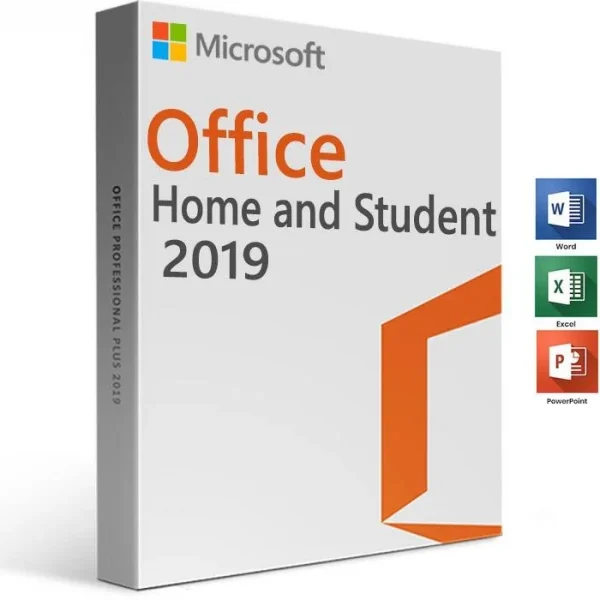
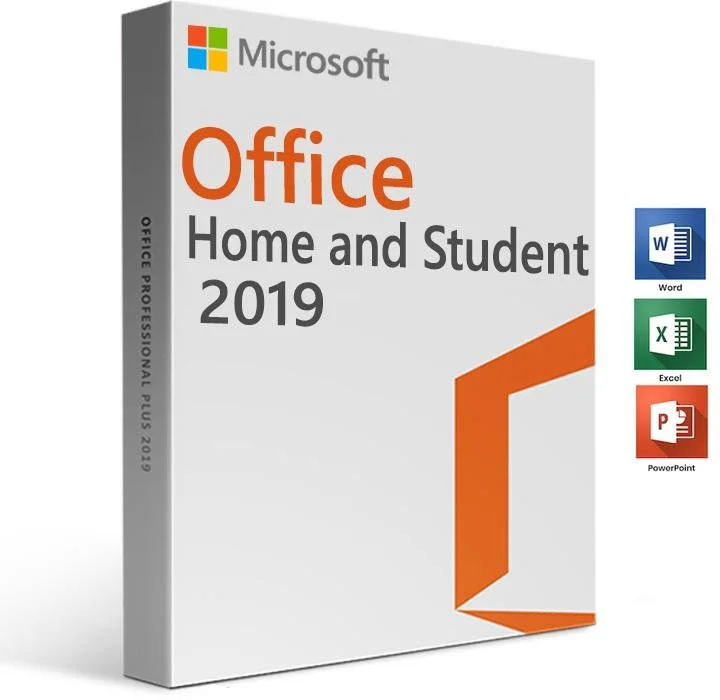



MS Office 2019 Home and Student is a reliable and cost-effective productivity suite designed specifically for students, families, and home users. Even years after its release, Microsoft Office 2019 remains a popular choice for users who prefer a one-time purchase license instead of a subscription model. With a genuine license, users can enjoy stable performance, essential Office apps, and long-term usability without recurring costs.
Get More Offers: click here…
This edition is ideal for users who need core productivity tools for everyday tasks such as studying, homework, presentations, budgeting, and personal projects.
What Is MS Office 2019 Home and Student?
Microsoft Office 2019 Home and Student is a perpetual (lifetime) license version of Microsoft Office. Unlike Microsoft 365, it does not require monthly or yearly payments. Once activated, the software remains usable for the lifetime of the device.
This version includes the most commonly used Office applications, making it perfect for non-commercial use at home or for educational purposes.
Included Applications
MS Office 2019 Home and Student comes with the following essential apps:
- Microsoft Word 2019
Create documents, assignments, letters, and reports with powerful formatting and editing tools. - Microsoft Excel 2019
Manage data, perform calculations, create charts, and analyze information efficiently. - Microsoft PowerPoint 2019
Design professional presentations with modern themes, animations, and slide transitions.
Download more apps: click here…
Key Features of Office 2019 Home and Student
Office 2019 introduced several improvements over earlier versions while maintaining a familiar interface.
- Enhanced inking tools for touch and pen devices
- Improved formulas and charts in Excel
- New PowerPoint transitions like Morph
- Better accessibility features
- Faster performance and stability
- Offline usability without cloud dependency
Why Choose a Genuine License?
Using a genuine MS Office 2019 license is crucial for security, stability, and long-term peace of mind.
Benefits of a Genuine License:
- Guaranteed activation without errors
- Access to official Microsoft updates
- No risk of deactivation
- Better system performance
- Protection from malware and fake installers
- Compliance with Microsoft’s licensing terms
Non-genuine or cracked versions often stop working, display activation warnings, or expose your system to serious security threats. A genuine license ensures uninterrupted productivity.
Lifetime License Advantage
One of the biggest advantages of MS Office 2019 Home and Student is its lifetime activation model.
- Pay once, use forever
- No monthly or yearly fees
- Ideal for long-term use
- Cost-effective for students and families
System Requirements
Before installing MS Office 2019 Home and Student, make sure your device meets these requirements:
- Operating System: Windows 10 or Windows 11
- Processor: 1.6 GHz or faster, dual-core
- RAM: 4 GB (64-bit)
- Storage: At least 4 GB free disk space
- Display: 1280 × 768 resolution
Office 2019 is optimized for modern Windows systems and performs smoothly on most standard PCs and laptops.
Installation and Activation Process
Activating MS Office 2019 Home and Student is straightforward:
- Download the official Office 2019 installer
- Install the software on your device
- Enter your genuine product key
- Sign in with a Microsoft account (if required)
- Complete activation and start using Office
Who Should Use Office 2019 Home and Student?
This version is best suited for:
- Students and teachers
- Families and home users
- Personal laptop or desktop users
- Users who prefer offline software
- Anyone avoiding subscription costs
Office 2019 vs Microsoft 365
| Feature | Office 2019 | Microsoft 365 |
|---|---|---|
| License Type | One-time | Subscription |
| Payment | Pay once | Monthly/Yearly |
| Updates | Security updates only | Feature + security updates |
| Internet Required | No (after install) | Yes (periodically) |
| Best For | Long-term offline use | Cloud & collaboration |
Final Thoughts
MS Office 2019 Home and Student – Genuine License remains a dependable productivity solution for users who value simplicity, affordability, and long-term access. With essential applications like Word, Excel, and PowerPoint, it covers everyday needs without unnecessary complexity or recurring costs.