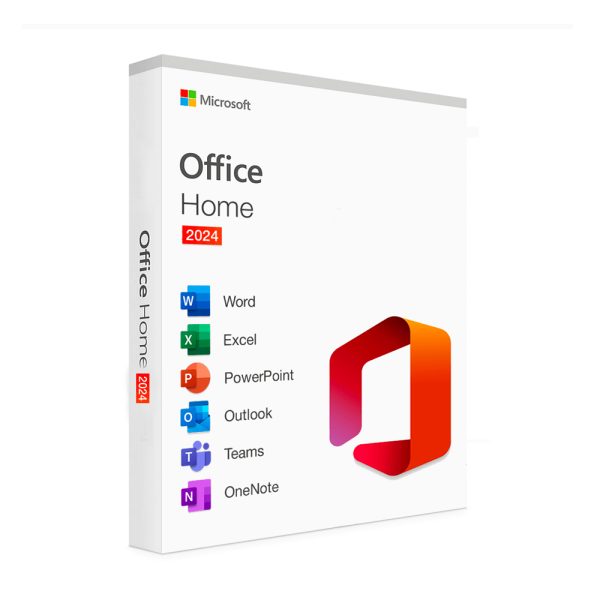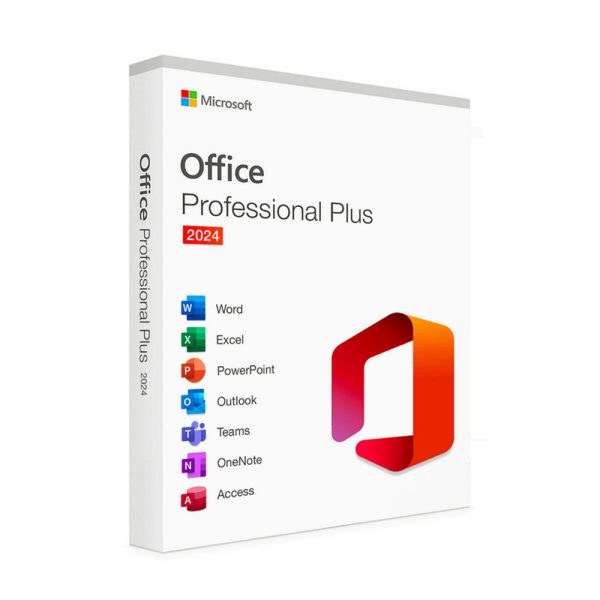
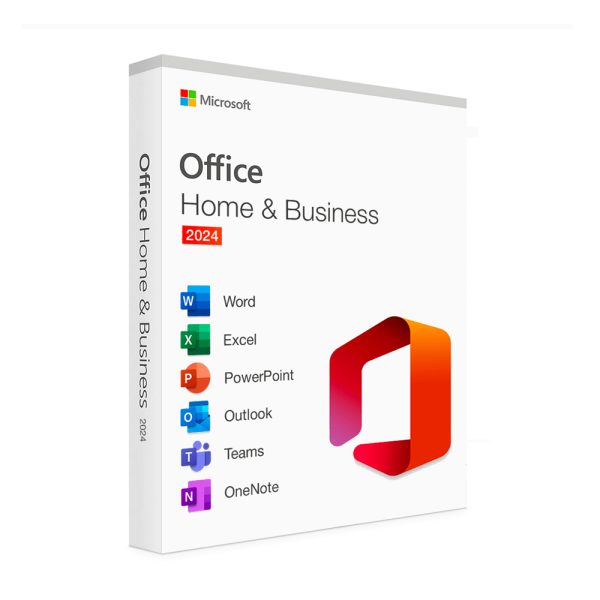
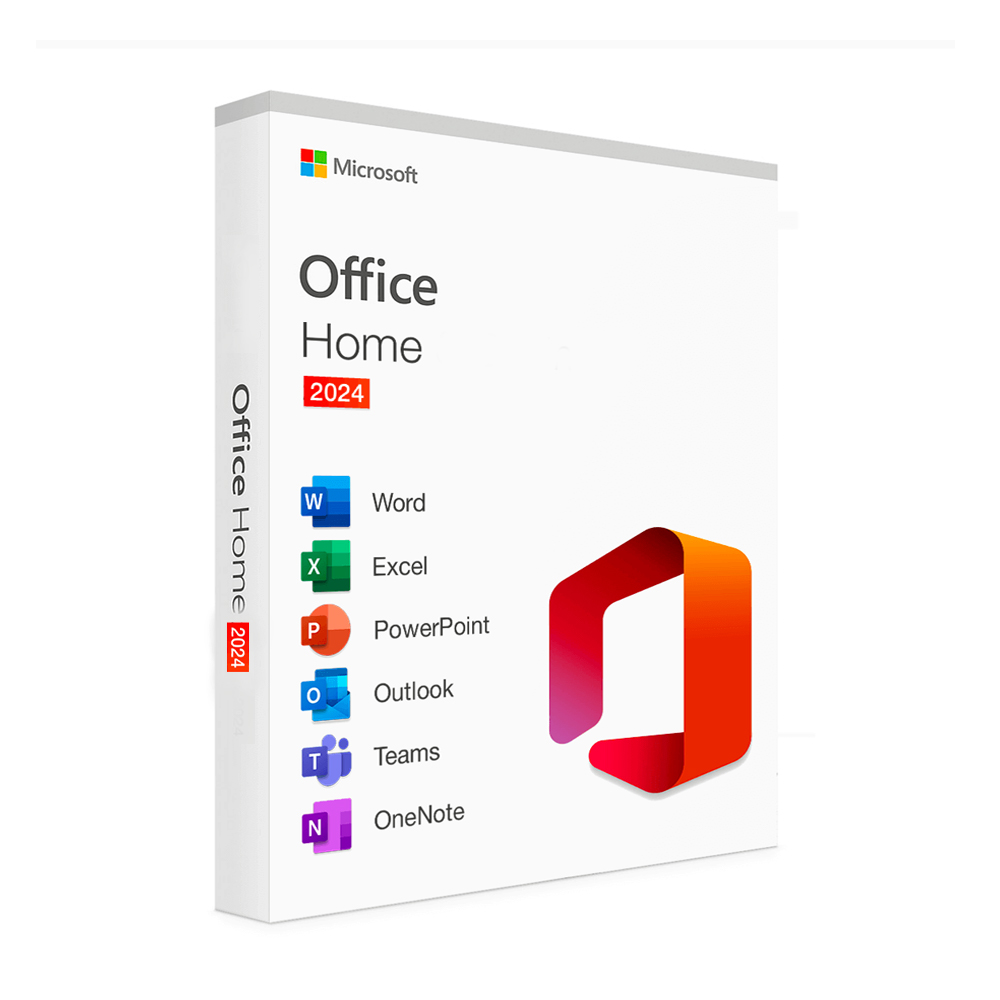



Unlock the full potential of MS Office 2024 Pro Plus Key Home with a Lifetime Activation Key, providing you with permanent access to essential productivity tools. Perfect for home users, this activation key ensures you have everything you need to create, collaborate, and manage your tasks effectively without recurring fees.
Get more offer : click here…
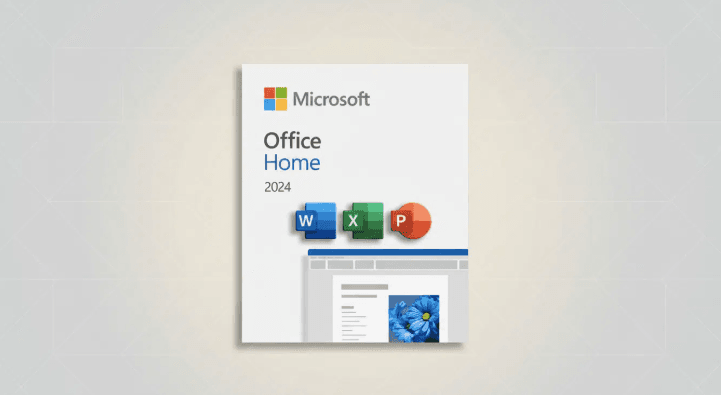
Key Features of MS Office 2024 Pro Plus Key
- Permanent Access: Enjoy lifetime access to MS Office 2024 Pro Plus Key with a one-time purchase, eliminating ongoing subscription fees.
- Comprehensive Suite: Gain access to essential applications including Word, Excel, PowerPoint, and Outlook, tailored for home users.
- User-Friendly Interface: Experience a sleek and intuitive design that enhances usability and simplifies navigation.
- AI-Powered Assistance: Benefit from smart suggestions and automated features that improve your productivity in documents and presentations.
- Robust Security: Keep your data secure with built-in security features and regular updates to protect your information.
Download Free Application : click here…
What’s Included with the MS Office 2024 Pro Plus Key
- Microsoft Word: Create and edit documents with powerful writing tools.
- Microsoft Excel: Analyze data and create stunning spreadsheets with advanced formulas.
- Microsoft PowerPoint: Design impactful presentations with rich multimedia capabilities.
- Microsoft Outlook: Manage your emails, calendars, and tasks efficiently.
System Requirements for MS Office 2024 Pro Plus Key
- Operating System: Windows 10 or later
- Processor: 1.6 GHz or faster, 2-core processor
- RAM: 4 GB minimum; 8 GB recommended
- Hard Disk Space: 4 GB of available disk space
- Display: 1280 x 768 screen resolution or higher
How to Activate MS Office 2024 Pro Plus Key
1. Purchase Your Activation Key
Before you can activate Microsoft Office 2024 Home Lifetime Activation Key, you’ll need to buy a Lifetime Activation Key. This key allows you to unlock the full version of the software without recurring fees. You can find these keys at various online retailers, including reputable platforms such as AffordableKey.
2. Download Office 2024 Home
Next, head to the official Microsoft website to download the MS Office 2024 Pro Plus Key. It’s important to always download software directly from Microsoft’s website to ensure you’re getting the latest, most secure version of the software.
3. Install the Software
Once the download is complete, you can begin installing MS Office 2024 Pro Plus Key on your device. Follow these simple steps:
-
Open the downloaded file to launch the Office installer.
-
If prompted by your device’s security system, allow the installer to make changes to your device.
-
Follow the on-screen instructions. Typically, this will involve clicking “Next” a few times and agreeing to Microsoft’s terms and conditions.
-
The installer will begin extracting files and setting up the software on your device. This might take a few minutes, so be patient.
-
After the installation is complete, you’ll be prompted to activate your product.
4. Enter Your Activation Key
Once Microsoft Office 2024 Home Lifetime Activation Key is installed on your device, it’s time to activate it using the Microsoft Office 2024 Home Lifetime Activation Key you purchased. Follow these steps:
-
Open any Office 2024 application (such as Microsoft Word or Excel).
-
When prompted, enter your Lifetime Activation Key. This key will usually be sent to you via email after your purchase, or you can find it in your online account with the retailer where you made your purchase.
-
Enter the key carefully. If you make a mistake, most activation windows will allow you to correct it before moving forward.
-
After entering the key, click Next to begin the activation process.
-
Microsoft will verify the key online. If everything is correct, your product will be activated, and you’ll be able to use all features of Office 2024 Home.
5. Finalizing the Setup
Once your Microsoft Office 2024 Home suite is activated, you’re ready to go! You can start using all the apps included in the suite, such as:
-
Word for creating and editing documents
-
Excel for managing spreadsheets and data
-
PowerPoint for crafting presentations
-
Outlook for managing email and calendars
-
OneNote for taking notes and organizing ideas
-
Access (in certain versions) for managing databases
FAQ:
- What is the Microsoft Office 2024 Home Lifetime Activation Key?
A one-time purchase key that provides permanent access to Microsoft Office 2024 Home applications without ongoing subscription fees. - Can I use the key on multiple devices?
Typically, the key is valid for one device. Check the terms for specific licensing details. - Is support included with the Lifetime Activation Key?
Yes, you will receive support from Microsoft as part of your Office 2024 suite. - What happens if I need to reinstall Office?
You can use your Lifetime Activation Key to reactivate Office 2024 Home after reinstallation. - Is there a trial version available?
Microsoft may offer trial versions; check their website for current options.
Conclusion: Why Choose MS Office 2024 Pro Plus Key
The Microsoft Office 2024 Home Lifetime Activation Key is the perfect solution for home users seeking a permanent, cost-effective productivity suite. With powerful applications and a user-friendly interface, you can enhance your workflow and achieve your goals.
Upgrade to Microsoft Office 2024 Home with a Lifetime Activation Key today at AffordableKey and enjoy the benefits of a comprehensive productivity solution without the hassle of subscriptions!